

Apple has begun releasing macOS Tahoe 26.2 to customers all across the world. Although the update includes a number of performance and stability improvements, one feature is particularly noteworthy. a significant improvement to video calling that has an immediate effect on how people interact, work, and remain in touch.

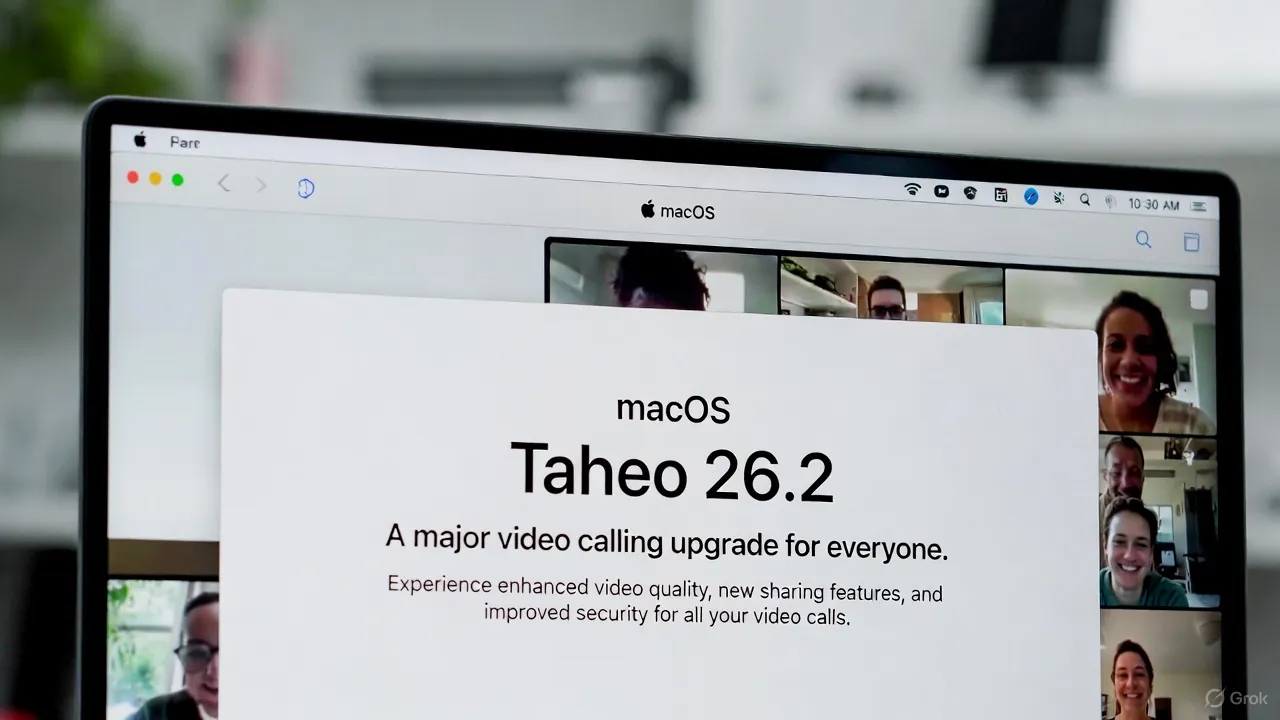
Although this upgrade is coming softly, it has a significant impact.
Smarter Video Calling on macOS Is the Main Focus
The most significant update in macOS Tahoe 26.2 is a more sophisticated system-level video calling feature. Apple has improved the operating system’s handling of live video processing in applications such as Zoom, Microsoft Teams, FaceTime, and Google Meet.
macOS now plays a more active role in video optimization rather than letting each app handle it independently. Better backdrop separation, more constant lighting correction even in low light conditions, and considerably sharper footage are the outcomes. You will notice this shift nearly immediately if you make a lot of calls from your MacBook.
More Natural On-Camera Presence
Additionally, Apple has enhanced eye alignment and real-time face tracking. You look more natural on camera, to put it simply. Even if you move slightly, the system gently modifies the frame to keep your eyes in line with the camera. It may seem insignificant, but it adds a personal element to lengthy discussions. Not automated.
Reduced Battery Drain and Improved Performance
Battery usage during laptop video chats is a frequent grievance. In order to solve this, macOS Tahoe 26.2 optimizes the use of the GPU and Neural Engine during video conversations.
Early adopters report less heat buildup and fewer CPU spikes during lengthy calls. The difference is noticeable on MacBooks that use Apple silicon. Calls continue to flow smoothly without fans going nuts. To be honest, this was long overdue.
Security and Privacy Remain Top Priorities
Apple is still promoting its privacy-first strategy. This upgrade allows for deeper on-device video processing. Instead of using app-level cloud processing, background effects, framing, and visual enhancements are managed locally.
Additionally, users now have more precise control over which apps may access sophisticated video features and clearer indicators when the camera is in use. This is in line with Apple’s long-standing position on transparency and user trust.
Little Adjustments That Add Up
In addition to video calling, macOS Tahoe 26.2 has bug fixes for flickering external displays, improved memory management for multitasking, and modest improvements in Finder speed. Although these aren’t very noteworthy improvements, when combined, they give the system a more polished and reliable feel.
Some users may not immediately notice these changes. However, after a few days of use, the OS simply feels more dependable and serene. That is important.
Do You Need to Update Right Away
This update should be installed as soon as possible if you depend on your Mac for online collaboration, interviews, remote work, or meetings. The boost to video calling alone is compelling.
Although macOS Tahoe 26.2 isn’t particularly ostentatious, it’s useful. And after living with them for a while, people tend to value the most useful upgrades.


I am a content creator/ Digital Marketor.