Smartphones change quietly. One morning, an update notification pops up—and suddenly your phone feels different. Buttons shift, menus look cleaner, animations feel smoother. Mobile OS updates are no longer just about bug fixes. They now reshape how people tap, swipe, read, and even trust their devices.
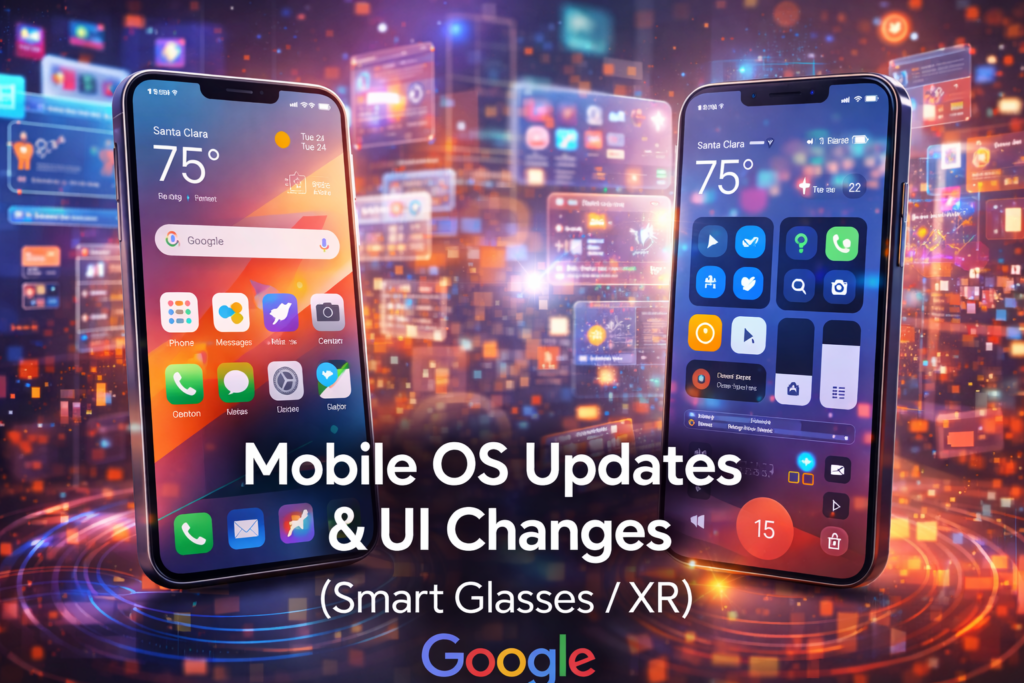
In 2025, mobile operating systems are going through visible UI changes that affect daily use more than most users expect.
Why Mobile OS Updates Matter More Than Ever
A mobile OS controls how users interact with apps, settings, privacy, and performance. When platforms like Google and Apple push updates, they influence billions of screens overnight.
Modern updates focus on three core goals:
Faster navigation with fewer taps
Cleaner visuals that reduce eye strain
Better control over data and permissions
These updates are designed to feel natural, not disruptive—yet the impact is immediate.
Android UI Changes: More Control, Less Clutter
Android updates in recent versions bring a more refined interface. Quick Settings panels are now customizable, letting users place the most-used toggles first. Lock screens support richer widgets, while notification grouping reduces noise.
Material-based design updates focus on softer colors, adaptive themes, and smoother transitions. Animations respond better to touch speed, making the system feel lighter even on mid-range devices.
Privacy indicators are also clearer. Camera and microphone usage is shown instantly, building user confidence without forcing them into settings menus.
Key Android UI trends
Dynamic color themes that match wallpapers
Simplified app permission prompts
One-hand-friendly layouts for large screens
iOS UI Changes: Familiar, but Smarter
iOS updates keep Apple’s signature look while refining how users move through the system. Control Center layouts are more flexible, and app icons follow subtle depth and lighting changes for better visibility.
Apple has focused on consistency. Whether on an iPhone or iPad, gestures now behave the same across apps. This reduces learning time and makes updates feel intuitive rather than forced.
Live widgets and interactive notifications allow quick actions without opening apps, saving time during everyday tasks.
What stands out in iOS UI updates
Interactive lock screen elements
Cleaner typography with better spacing
Stronger privacy labels inside apps
How UI Changes Affect Users and Developers
For users, UI updates change habits. Actions become faster, screens feel calmer, and trust increases when privacy tools are visible.
For developers, OS updates set new design standards. Apps that don’t follow updated UI rules often feel outdated, which can hurt retention and ratings.
Search engines and app stores also favor apps that align with the latest OS guidelines—making UI updates a ranking factor in their own way.
Final Thoughts
Mobile OS updates in 2025 are less about flash and more about flow. UI changes aim to make phones easier to use, safer, and visually comfortable. Whether it’s Android’s flexibility or iOS’s polish, these updates quietly shape how people experience the digital world—one tap at a time.

I am a content creator/ Digital Marketor.