Cybersecurity Tips to Protect Your Digital Life from Threats
In today’s hyperconnected world, your digital life is just as valuable as your physical one. From banking apps to personal photos, everything lives online. One careless click can expose your identity, finances, and reputation. If you want to stay safe — and sleep peacefully at night — these cybersecurity tips will help you build a strong digital shield.
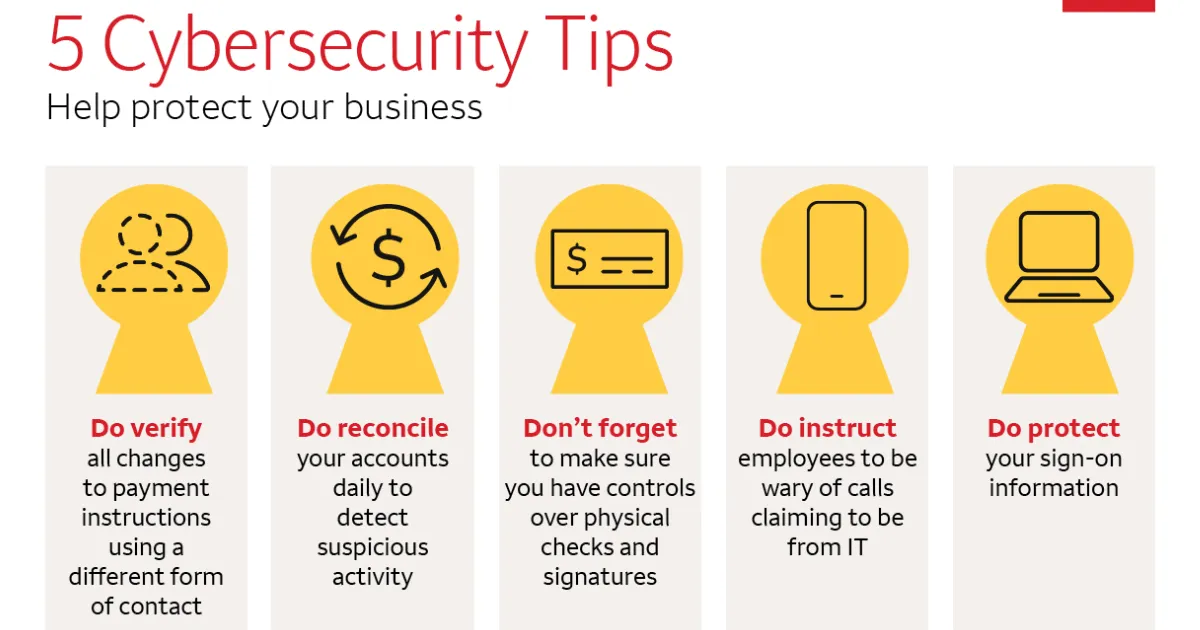
With rising online scams and data breaches, protecting yourself isn’t optional anymore. It’s essential.
Why Cybersecurity Matters More Than Ever
Every day, cybercriminals develop smarter ways to trick users. Phishing emails look real. Fake websites appear trustworthy. Malware hides in harmless downloads. Even platforms like Google constantly update security measures because threats evolve so quickly.
If major corporations invest billions in security, imagine how important personal protection is for you.
Cybersecurity isn’t about fear — it’s about empowerment.
1. Use Strong, Unique Passwords
Create Passwords Hackers Can’t Guess
Weak passwords are the easiest way into your accounts. Avoid using birthdays, pet names, or simple sequences like “123456.”
Instead:
Use at least 12–16 characters
Combine uppercase, lowercase, numbers, and symbols
Avoid reusing passwords across platforms
Consider using a reputable password manager to generate and store complex passwords securely.
2. Enable Two-Factor Authentication (2FA)
Even the strongest password can be compromised. Two-factor authentication adds a second layer of protection — usually a code sent to your phone or authentication app.
This simple step dramatically reduces the chances of unauthorized access. Many services, including email and social platforms, offer this feature for free. Activate it immediately wherever possible.
3. Beware of Phishing Scams
Think Before You Click
Phishing remains one of the most common cyber threats. Attackers disguise emails or messages as trusted brands to steal your login credentials.
Red flags include:
Urgent language (“Act now!”)
Suspicious links
Requests for personal information
If unsure, go directly to the official website instead of clicking the link.
4. Keep Your Software Updated
Software updates aren’t just about new features. They patch security vulnerabilities hackers exploit.
Turn on automatic updates for:
Operating systems
Browsers
Apps
Antivirus software
Delaying updates gives cybercriminals an open door.
5. Secure Your Wi-Fi Network
Your home Wi-Fi is the gateway to every connected device. Protect it by:
Changing the default router password
Enabling WPA3 or WPA2 encryption
Hiding your network name (SSID) if possible
Avoid accessing sensitive accounts over public Wi-Fi unless you use a trusted VPN.
6. Protect Your Data with Backups
Imagine losing years of photos, documents, or business files overnight. Ransomware attacks can lock your data and demand payment.
Regularly back up important files:
Use encrypted external drives
Store backups in secure cloud services
Schedule automatic backups weekly
Prevention is always cheaper than recovery.
Staying Safe in the Age of Smart Technology
As smart devices, AI tools, and digital payments expand, cybersecurity awareness becomes critical. Platforms like Google Discover prioritize trustworthy, experience-based content — and digital safety is part of that trust ecosystem.
Your online presence reflects your real-world identity. Protect it with intention.
Final Thoughts: Your Security Is in Your Hands
Cybersecurity isn’t just for IT experts. It’s for parents, students, entrepreneurs, and everyday users. The internet offers incredible convenience — but only if you navigate it wisely.
Start with small changes today:
Strengthen passwords
Enable 2FA
Update devices
Stay alert