Apple quietly did something really useful with iOS 26.2, and Home app users are already feeling it. The latest update introduces a cleaner and smarter way to add accessories in the Home app. It is not flashy, but honestly, it fixes one of the most annoying parts of setting up a smart home.
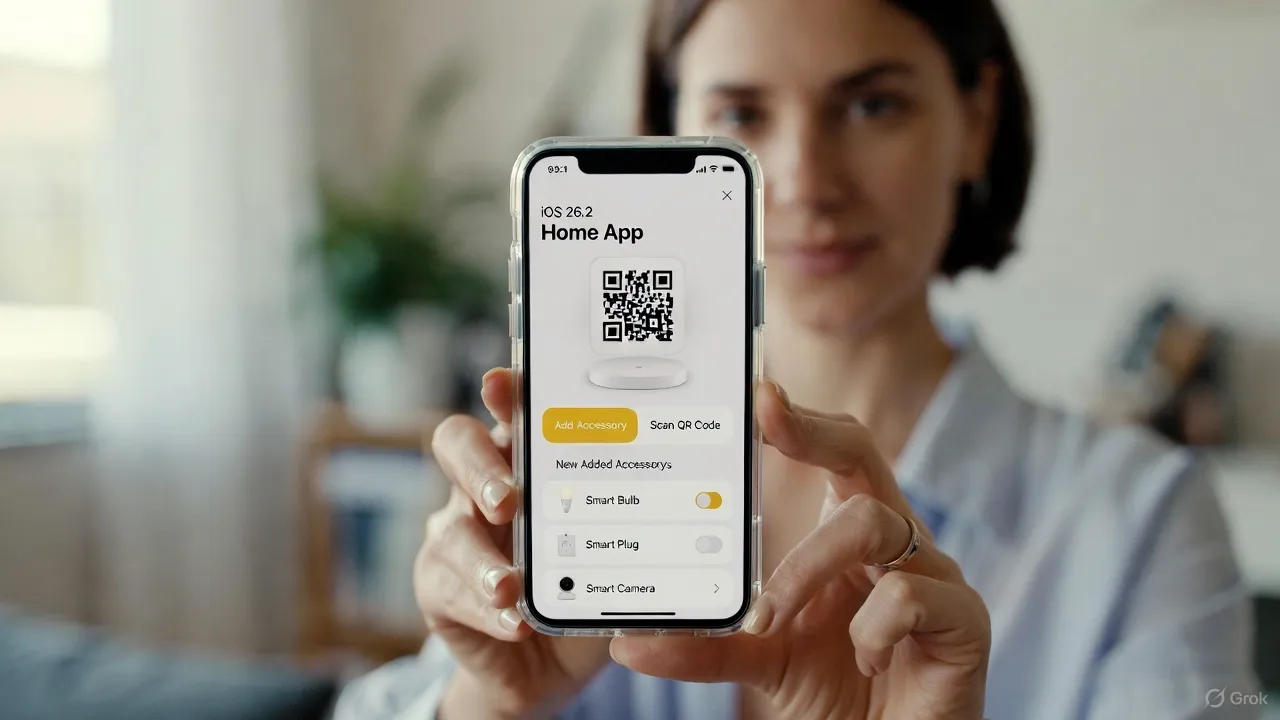
If you have ever tried adding a new smart bulb, camera, or lock to Apple Home, you know the pain. Scanning codes again and again, accessories not showing up, or getting stuck on setup screens. With iOS 26.2, Apple has clearly focused on making this process smoother and less confusing.
What Changed in the Home App with iOS 26.2
The biggest improvement is the new accessory onboarding flow. When you tap “Add Accessory,” the Home app now guides you step by step in a more logical way. The interface feels simpler, with fewer screens and clearer instructions.
Apple has improved how the Home app detects nearby accessories. Devices show up faster, especially Matter compatible accessories. In many cases, you do not even need to manually search anymore. The app automatically suggests compatible devices nearby, which saves time and avoids mistakes.
Another helpful change is better QR code and NFC handling. If you scan the setup code once, the Home app remembers it during the process. Earlier, a small interruption meant starting all over again. Now it feels more forgiving, which users will appreciate.
Better Support for Matter Accessories
iOS 26.2 also strengthens Matter integration inside the Home app. Accessories that support Matter are now easier to recognize and add. The app clearly labels Matter devices and groups them properly during setup.
This matters because Matter is becoming the standard for smart homes. Apple’s update shows they are serious about long term compatibility and reliability. For users, it means fewer setup errors and better cross brand support.
Small Changes That Make a Big Difference
Apple has added clearer room suggestions when adding accessories. The Home app now intelligently suggests rooms based on your existing setup. You can still change it, but the default suggestions often make sense.
There is also improved feedback during setup. Instead of vague loading screens, you now see progress indicators and short explanations. It sounds small, but it reduces confusion a lot.
Why This Update Matters for Apple Users
This upgrade proves Apple is listening to real user feedback. The Home app is becoming more beginner friendly while staying powerful for advanced users. If you are building a smart home or adding new devices regularly, iOS 26.2 makes the experience less stressful.
It may not be the headline feature of iOS 26.2, but for Home app users, this is one of the most practical updates Apple has delivered recently. Once you use it, going back to the old setup flow would feel painful, honestly.